PRODUCT CARE

Care that stays straightforward.

Setup, cleaning, and routine checks for Sweep One and Air One, all in one place.

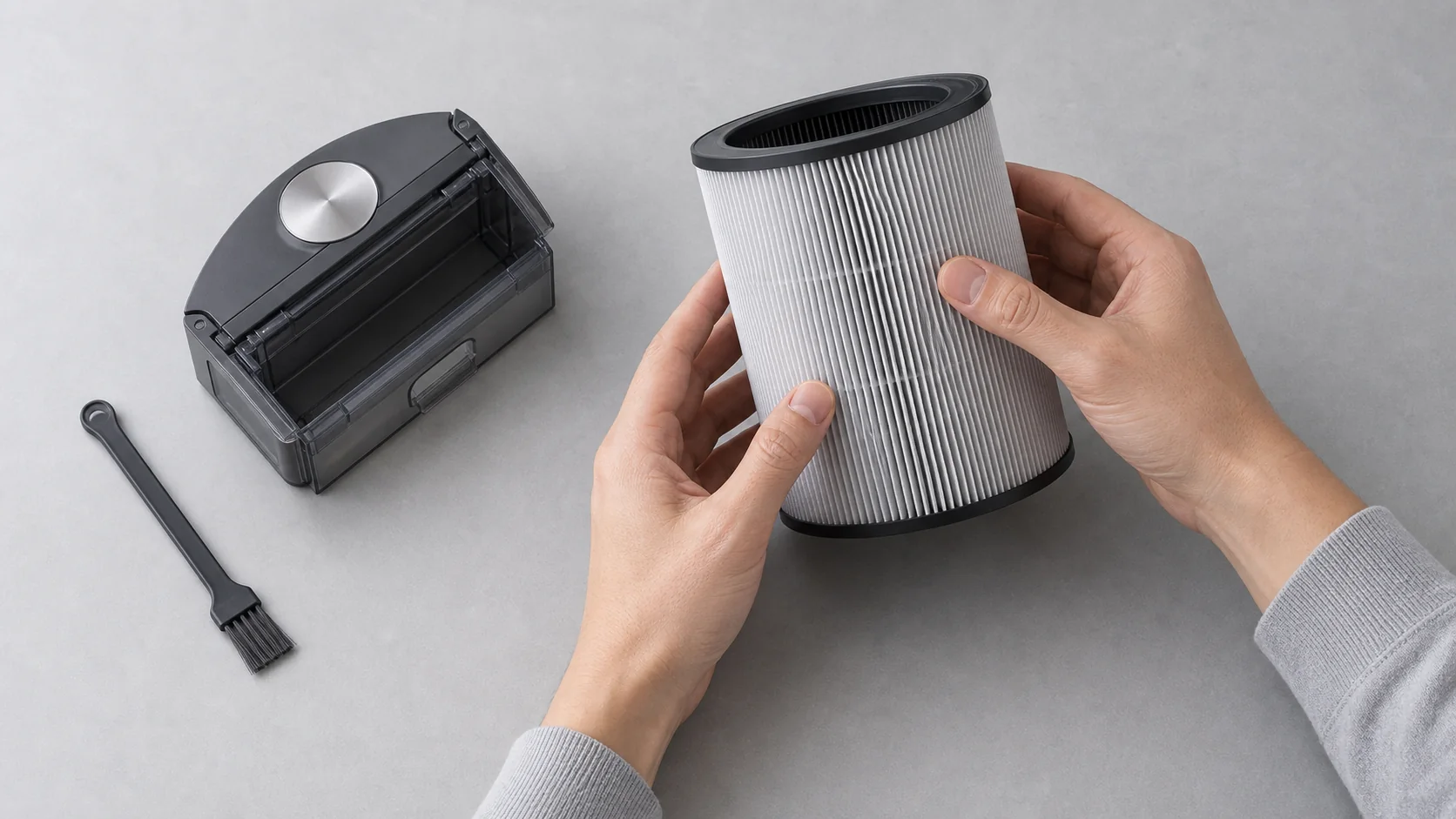
Hands checking a purifier filter beside a robot dust bin and cleaning brush

Start with your product.

Open a topic for a short care path. Use the supplied product manual for electrical, battery, and warranty instructions.

Floor care

Sweep One

Setup and routine cleaning for the robot and dock.

Before first use

Place the dock on a level surface, clear loose cables, and let the first route finish without moving the dock.

Empty the dust bin

Power the robot off, remove the bin, empty it over a waste container, and reinstall it only when every part is dry.

Clear the main brush

Remove wrapped hair and fibers with the supplied soft tool. Do not use sharp tools near the brush or battery housing.

Air care

Air One

Placement and routine filter checks for the purifier.

Place the purifier

Keep the intake and outlet open. Avoid curtains, soft furnishings, and any surface that can block stable airflow.

Check the filter

Disconnect power before opening the filter area. Inspect for visible loading and follow the supplied manual for replacement timing.

Wipe the exterior

Use a soft, lightly damp cloth on the exterior only. Keep water and cleaning fluid away from vents and electrical openings.

Care questions.

Short answers for common upkeep decisions.

How often should I check filters?

Check filters when the product signals maintenance or when performance changes. Follow the final product manual for replacement intervals.

Can I wash every filter?

No. Wash only components explicitly marked as washable in the supplied manual. Replace single-use filters instead of rinsing them.

Where should I keep the robot dock?

Use a dry, level location with an open path in front. Keep the dock away from stairs, standing water, and loose cables.

Use the manual for safety and warranty details.

This static guide covers general care only. Electrical service, battery replacement, and warranty claims require verified product documentation.